Oops! Something went wrong while submitting the form.
Powerful Features for Seamless TV Launches
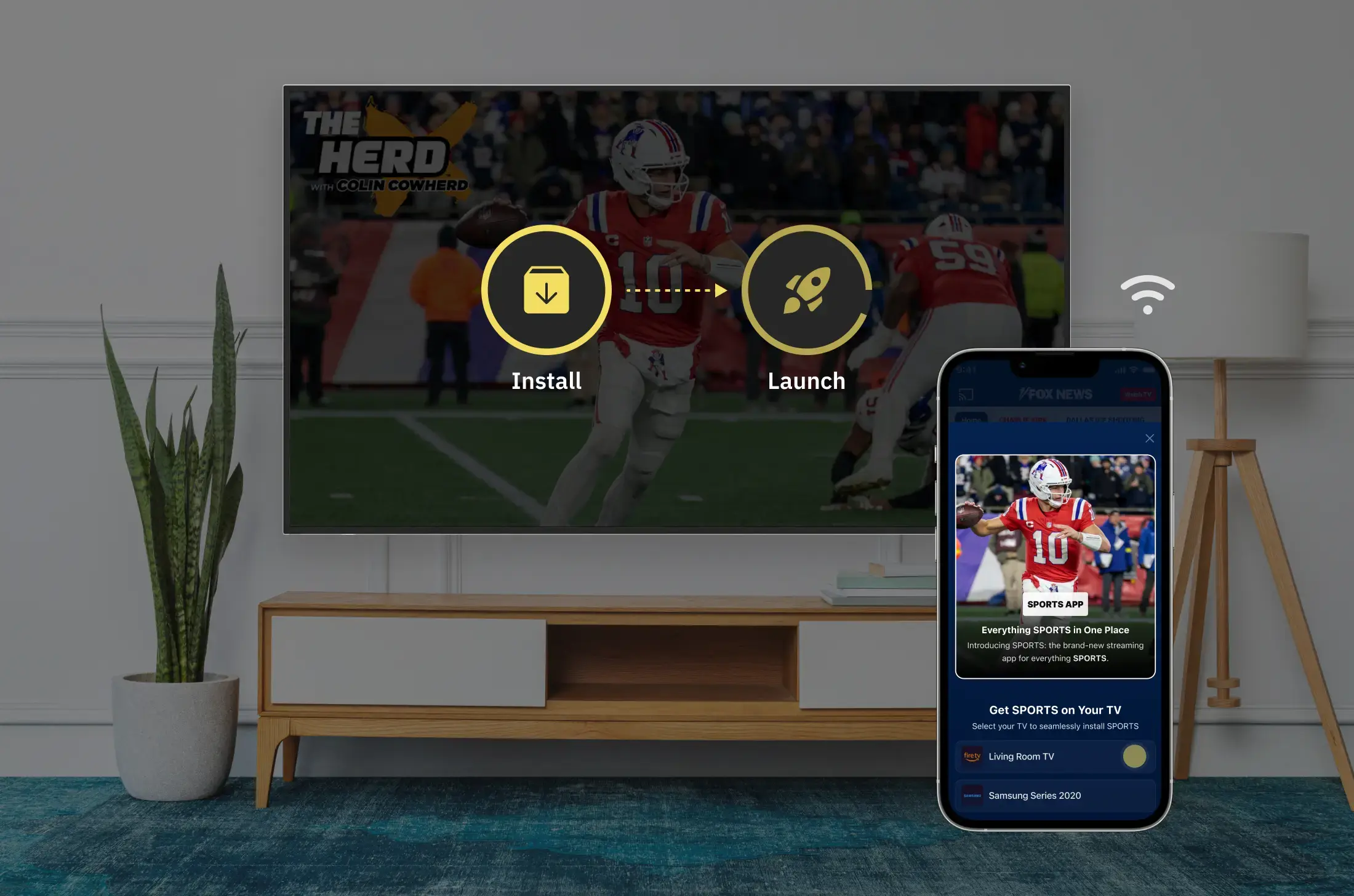
Smart Install
Automatically installs & launches the TV app if it is not installed.
Deep Linking
Users land directly on the exact content inside the TV app.
Cross-Device Detection
Automatically detects nearby TVs for instant device selection.
Campaign Optimization
Control frequency, targeting, and performance tracking.
Engage Users Across Partner Mobile Apps
Launch Handoff campaigns across Vizbee’s partner app network to reach high-intent audiences exactly when they are near their TV.
Deliver personalized Handoff creatives
Reach users at the right moment at home
Drive incremental TV installs and viewing
Seamlessly integrate across partner ecosystems
Flexible Handoff Experiences
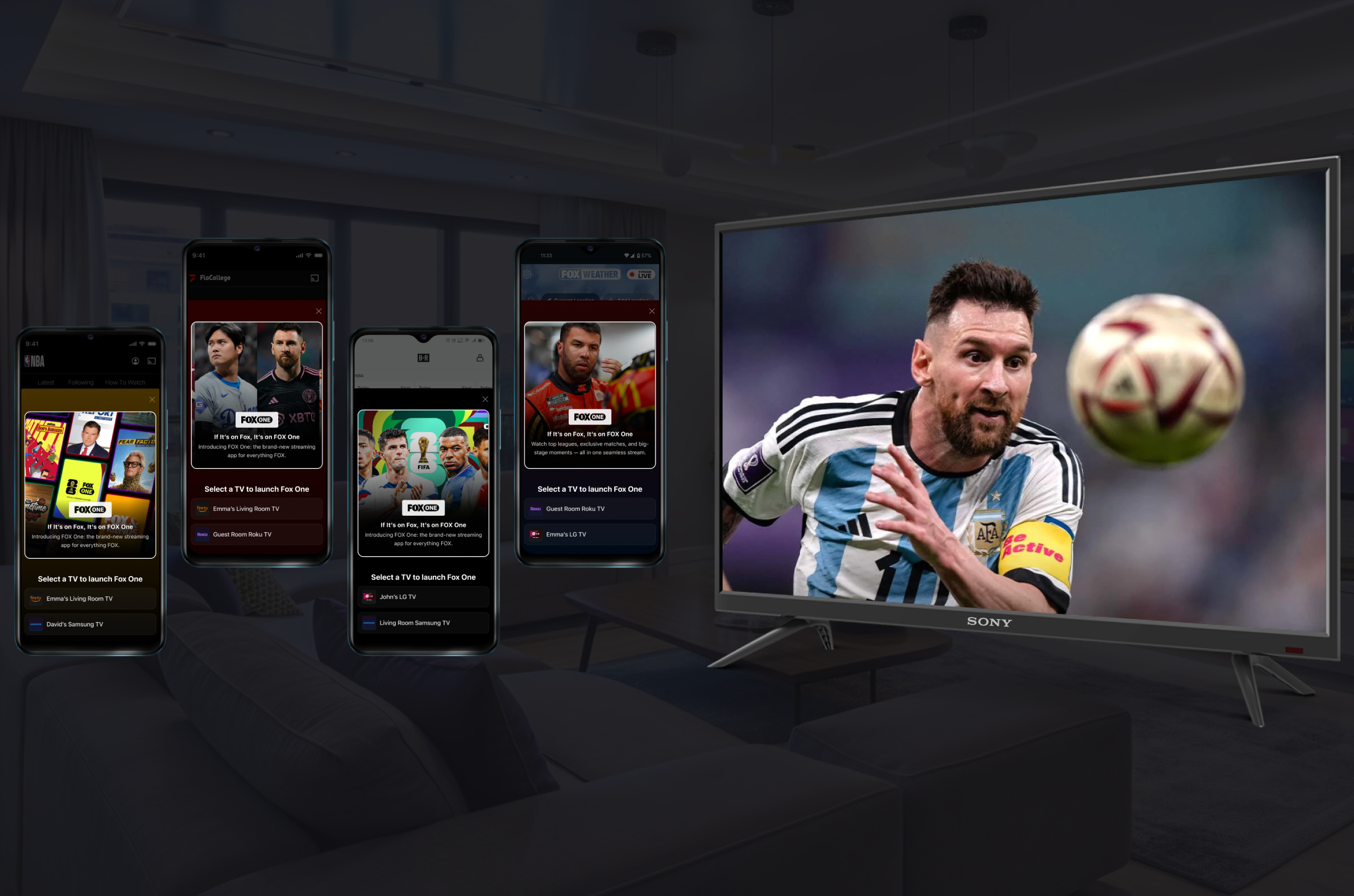
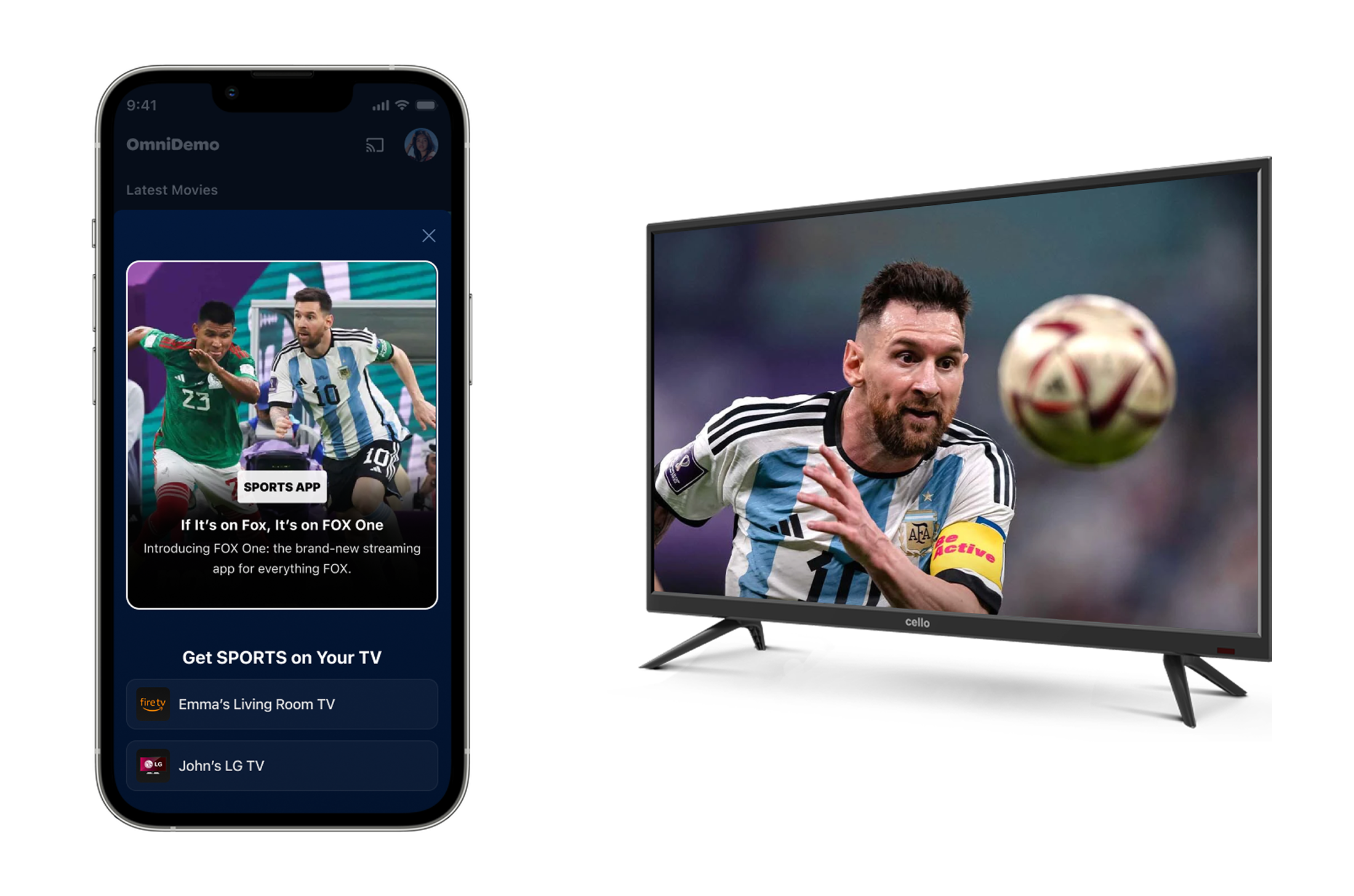
Vizbee enables seamless handoff from mobile to TV through two integration options within partner mobile apps. These options allow users to quickly start watching content on a nearby TV without interrupting their experience.
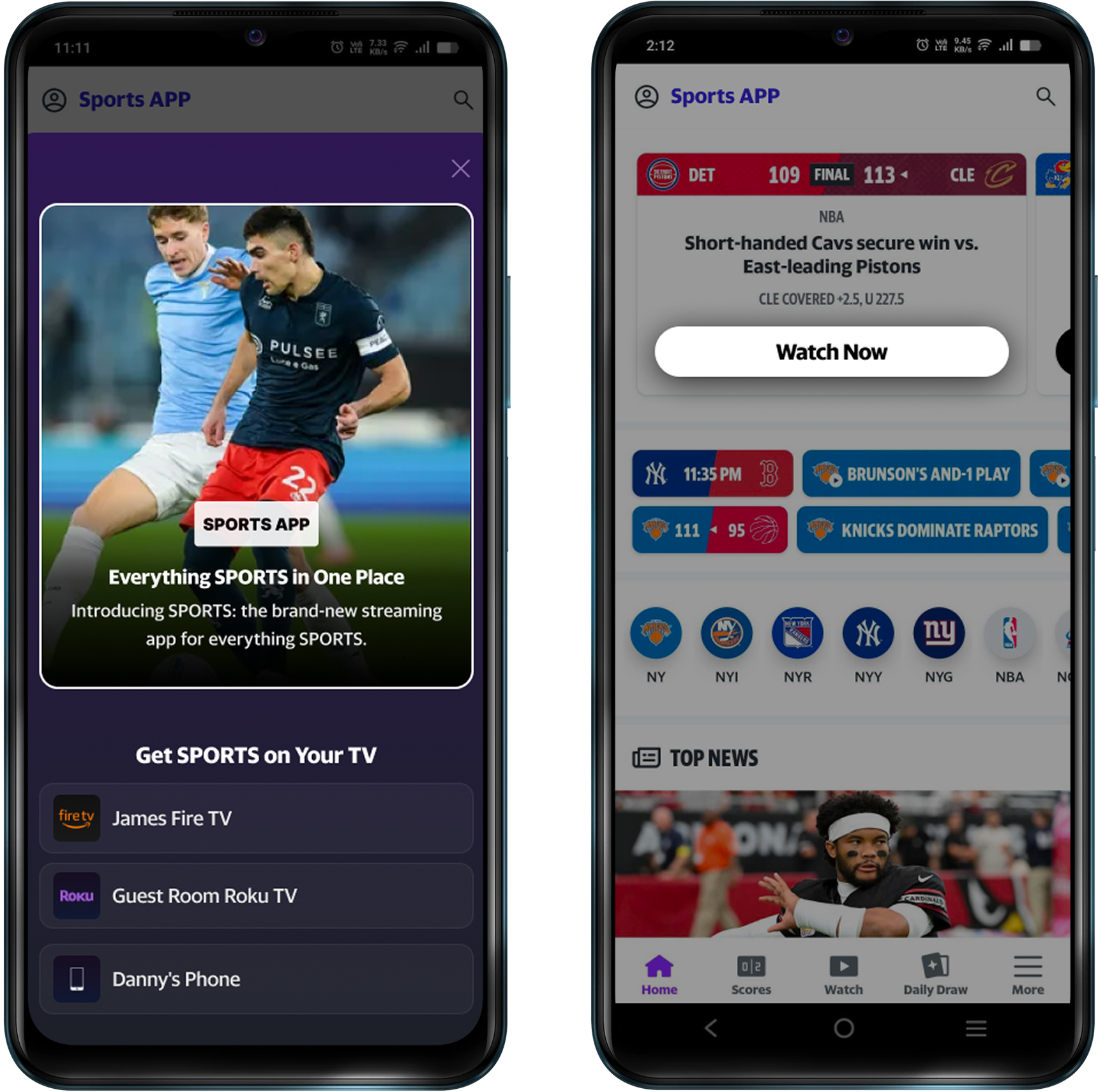
Handoff Creative
Appears across supported screens in the partner mobile app
Automatically triggers when a compatible TV is detected nearby
Displays targeted content with title and artwork
Tapping the card launches playback on the selected TV
Handoff Button
Placed on content detail or playback screens
Presented as a persistent “Watch on TV” or “Watch Now” button
Opens a device picker to select an available TV
Allows users to either continue on mobile or switch to TV
How Vizbee Handoff Works
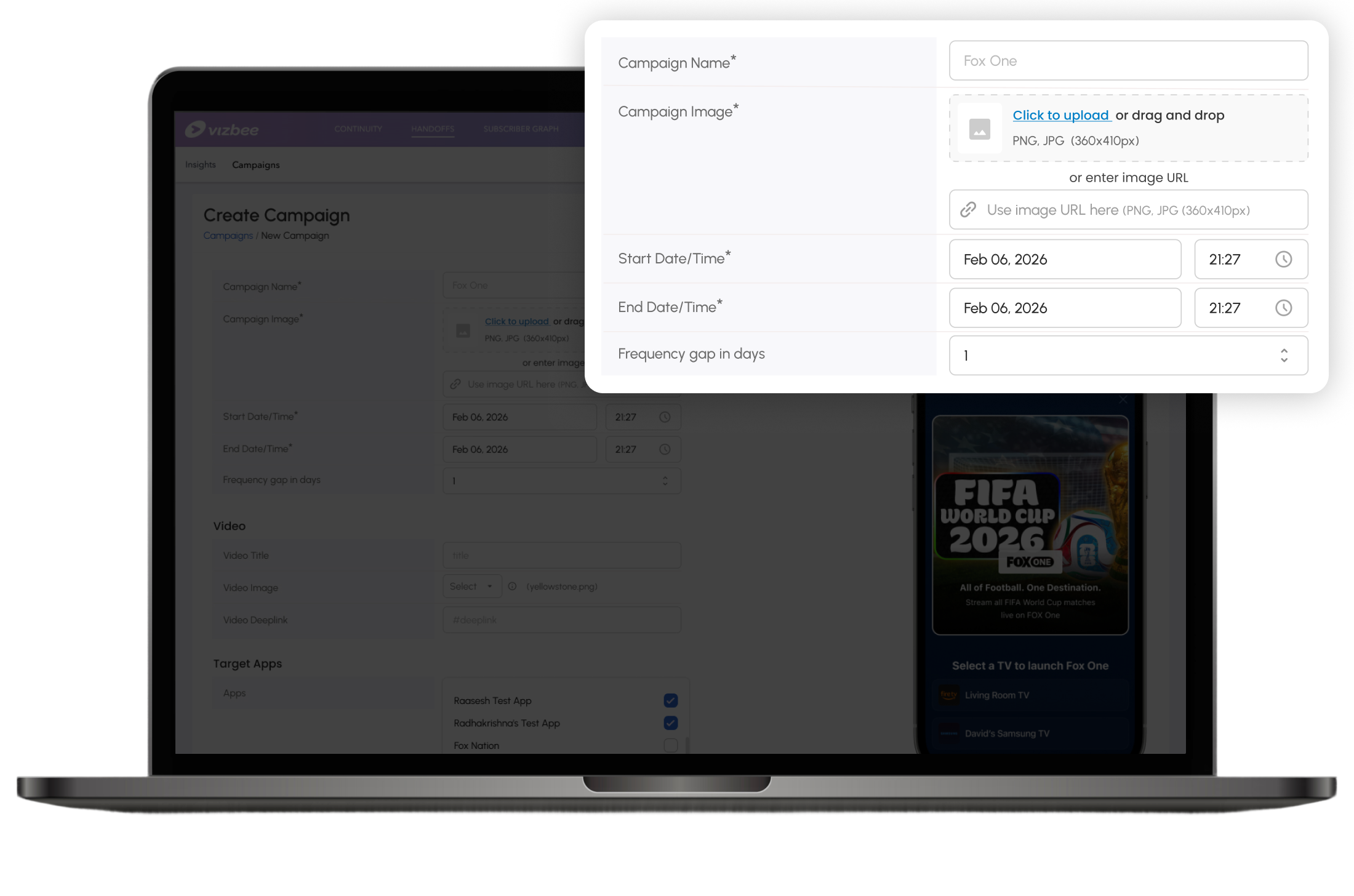
Create Campaign
Set campaign objectives, select content, and define targeting rules.
Define Campaign Goals: Choose objectives like installs, engagement
Select Content & Creatives:Upload creative images or media assets
Schedule & Delivery Rules: Configure start time, end time, and delivery frequency
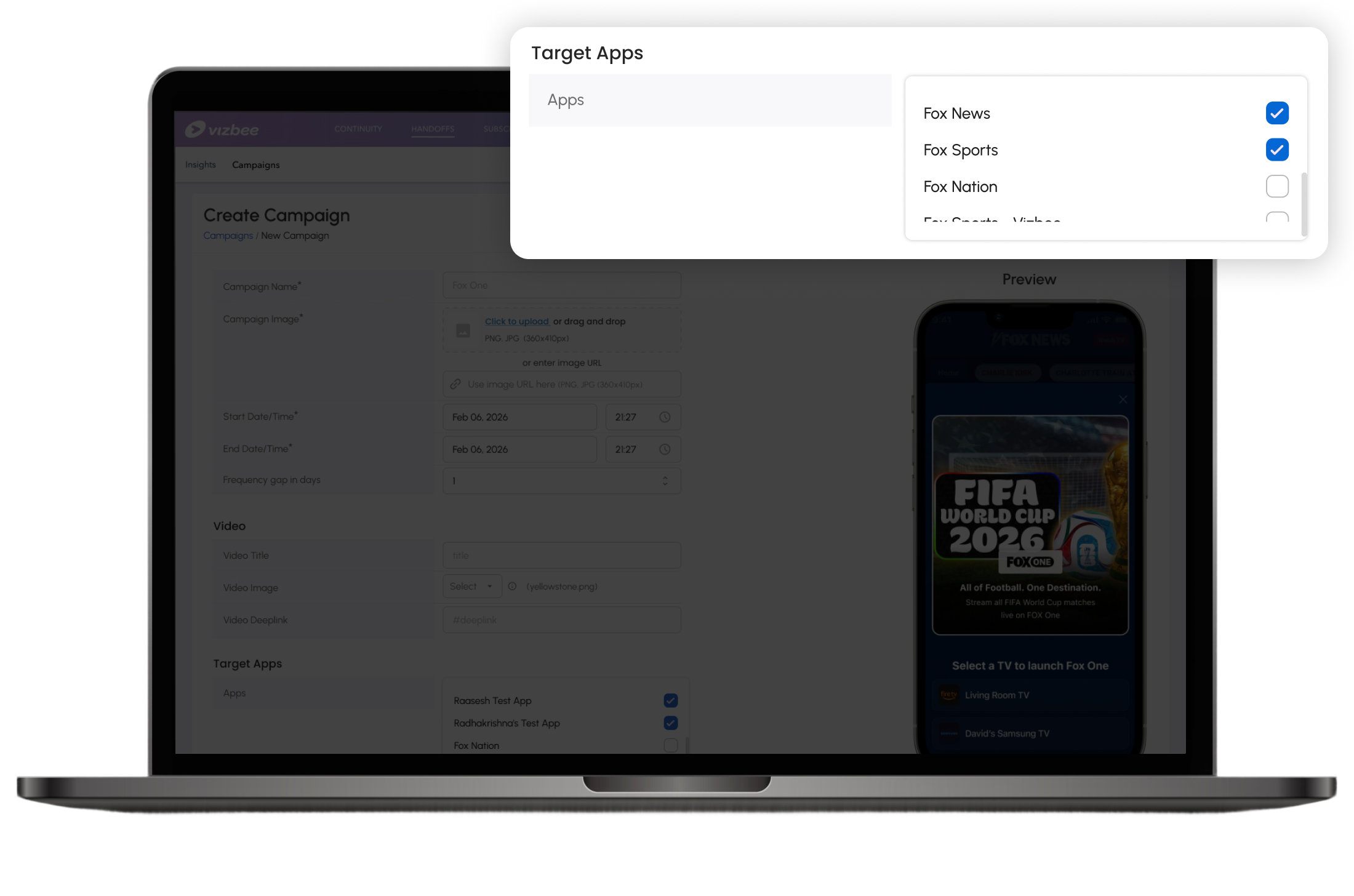
Select Partner from Vizbee Network
Choose partner mobile apps where your Handoff campaign will appear.
Cross-promote across partner apps: Choose exactly which mobile apps in the network will launch your Handoff campaign.
Handoff Card Appears in Partner App
Users see a personalized Handoff card and tap to launch content on TV instantly.
Tap to Launch: Installs, launches the TV app, and signs the user in.
Plays on TV: Content starts instantly on the selected TV.
Drive TV Audience from Partner Network
Handoff drives TV audience acquisition from partner mobile apps.